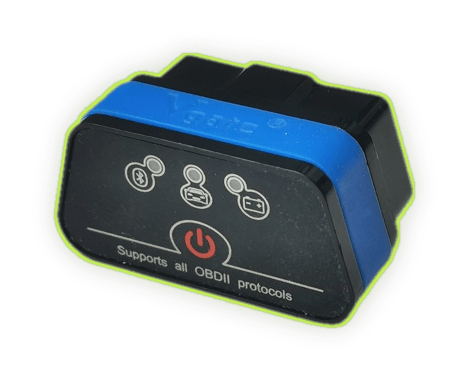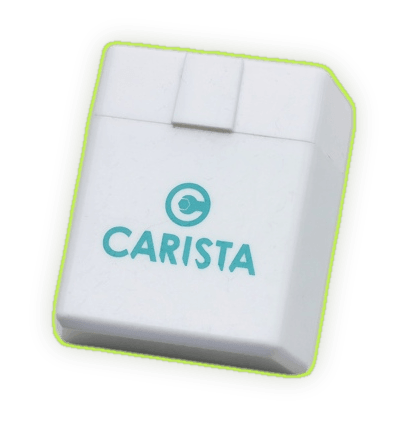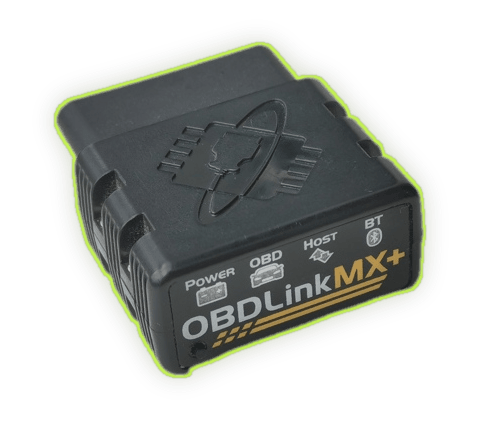
Veepeak OBDCheck BLE
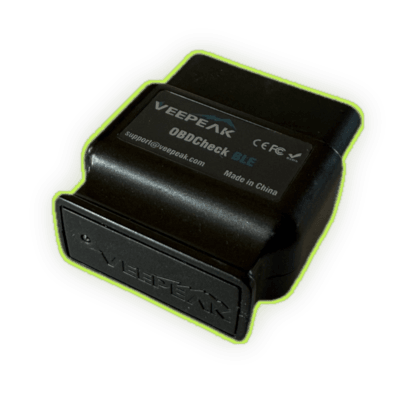
Affordable dual-mode adapter: Bluetooth Low Energy for iOS and Bluetooth Classic for Android. Supports all standard OBD-II protocols. A solid, budget-friendly choice for everyday diagnostics.
OBDify works with a range of Bluetooth OBD-II adapters. These are the models we've tested and recommend.
iPhone users: iOS supports Bluetooth Low Energy (BLE) adapters and MFi-certified Bluetooth Classic adapters (e.g. OBDLink MX+, vLinker MS). Standard Bluetooth Classic adapters will not work on iPhone or iPad.
Affordable dual-mode adapter: Bluetooth Low Energy for iOS and Bluetooth Classic for Android. Supports all standard OBD-II protocols. A solid, budget-friendly choice for everyday diagnostics.
Premium Bluetooth adapter with an integrated Apple MFi chip — pairs instantly with iPhone and iPad. Up to 100 data samples per second, 128-bit encrypted link, and support for advanced Ford (MS-CAN) and GM (SW-CAN) networks. The top pick for serious diagnostics.
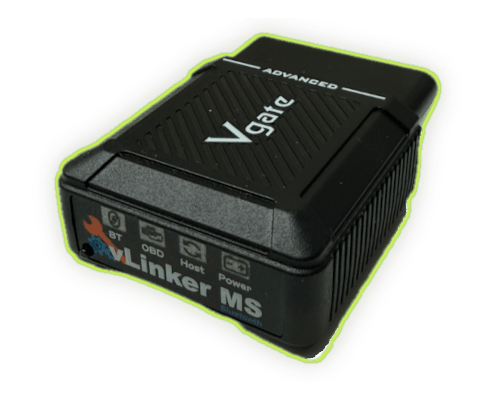
MFi-certified Bluetooth Classic adapter from Vgate, fully supported on iPhone and iPad. Supports extended GM/Ford networks (MS-CAN, SW-CAN, CH-CAN, LS-CAN) in addition to all legislated OBD-II protocols. A budget-friendly alternative to OBDLink MX+ for iOS users.
Compact Bluetooth OBD-II adapter with good build quality at a low price. Reads and clears trouble codes, streams live engine data, and works with all legislated OBD-II protocols.
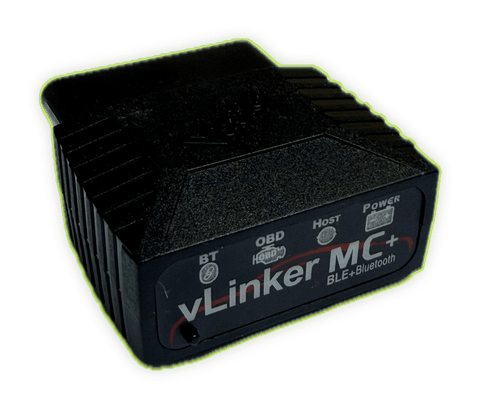
Compact Bluetooth Low Energy adapter. Known for reliable connectivity and low power consumption — safe to leave plugged in without draining the battery.
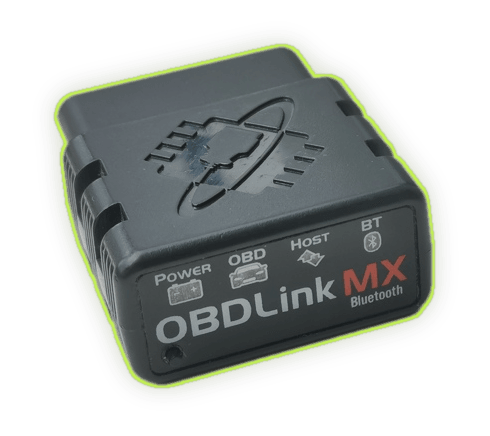
The classic Bluetooth member of the OBDLink family. Up to 300% faster than typical ELM327 clones, BatterySaver™ technology, support for MS-CAN and SW-CAN, and a hardware pairing button for secure connections.
This is not an exhaustive list — many other ELM327-based and OBDLink adapters may also work. These are the models we've tested and can recommend with confidence.
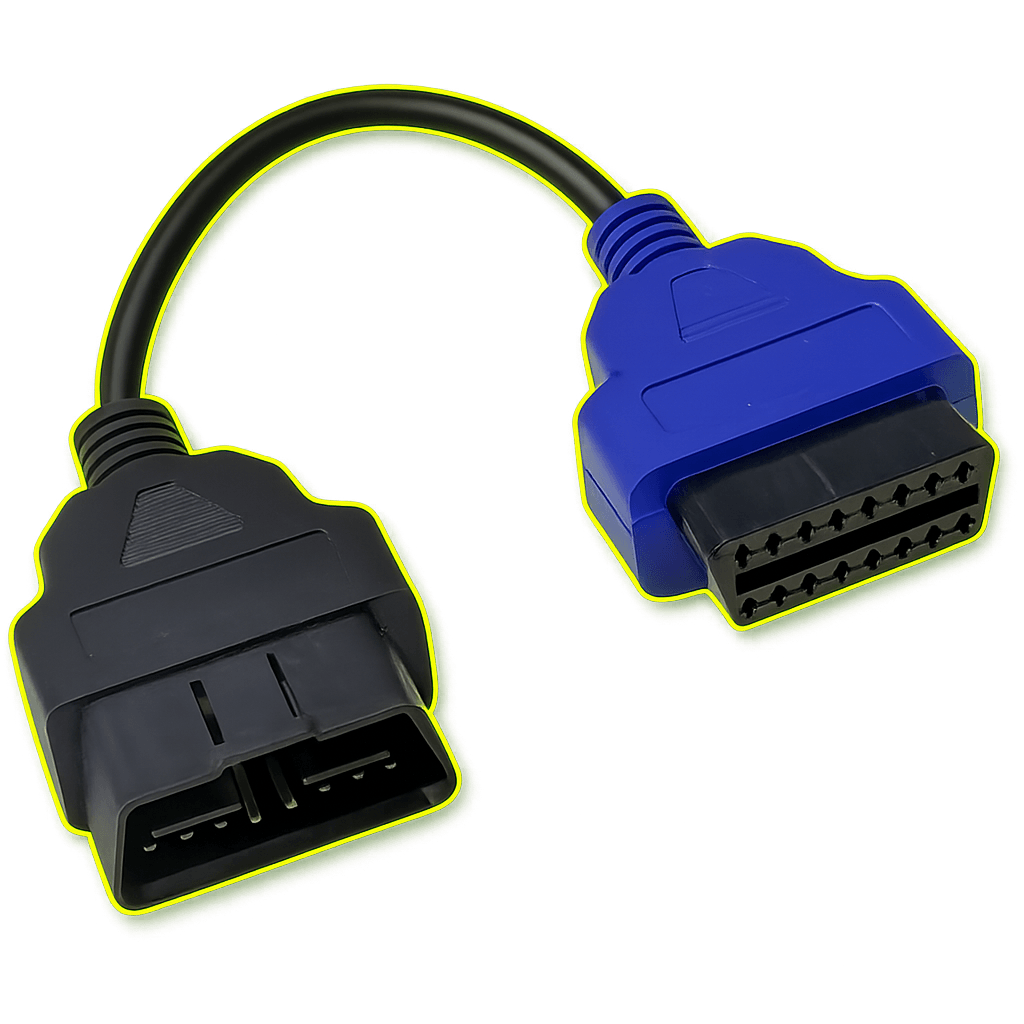
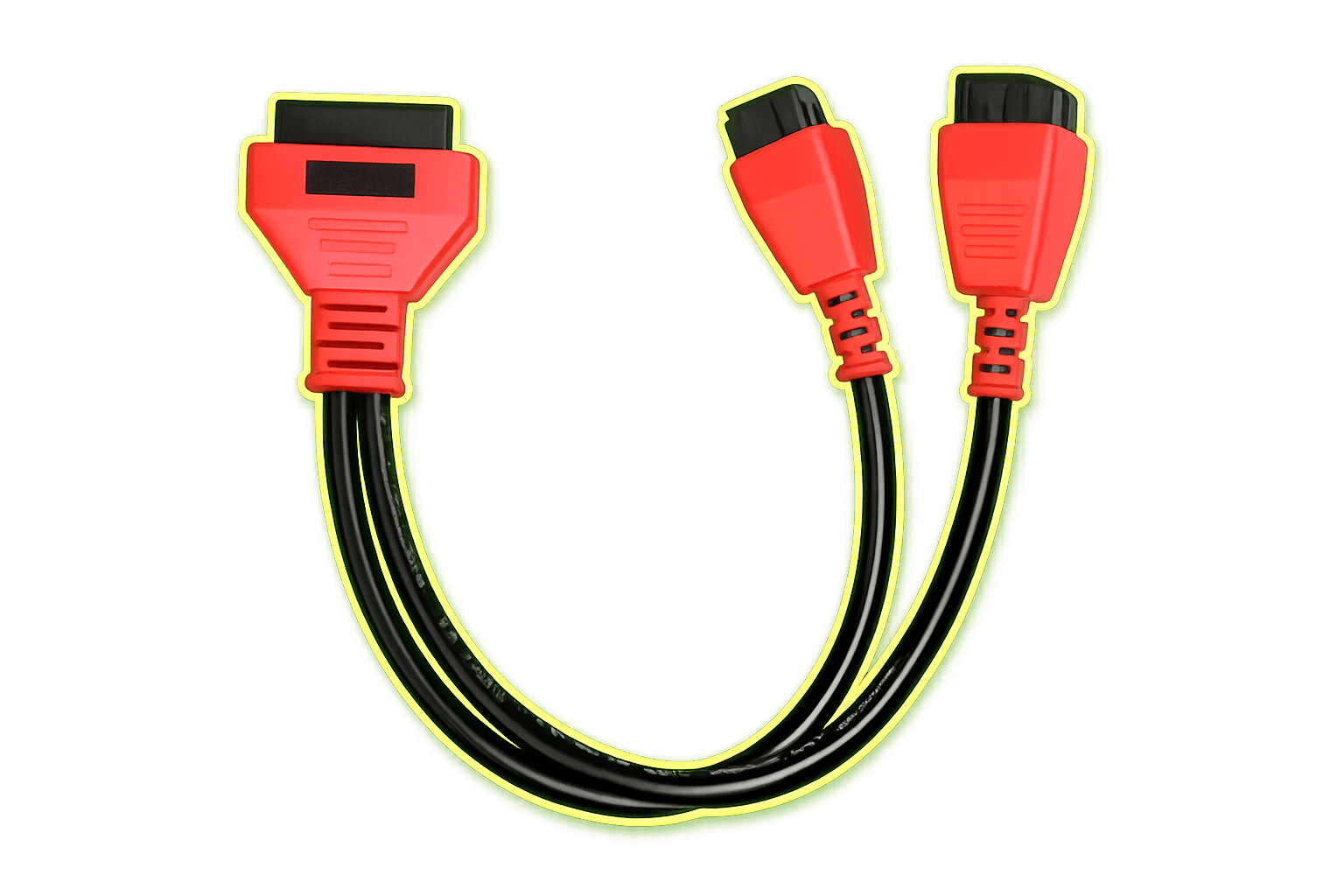
The OBD-II port carries one CAN bus — enough for the engine and most controllers. A few modules (often body, comfort and certain networks) sit on a separate bus the port doesn't expose. To read and code those, you add a simple colour-coded adapter lead in line with your Bluetooth adapter — it plugs between the car's OBD-II socket and the adapter.
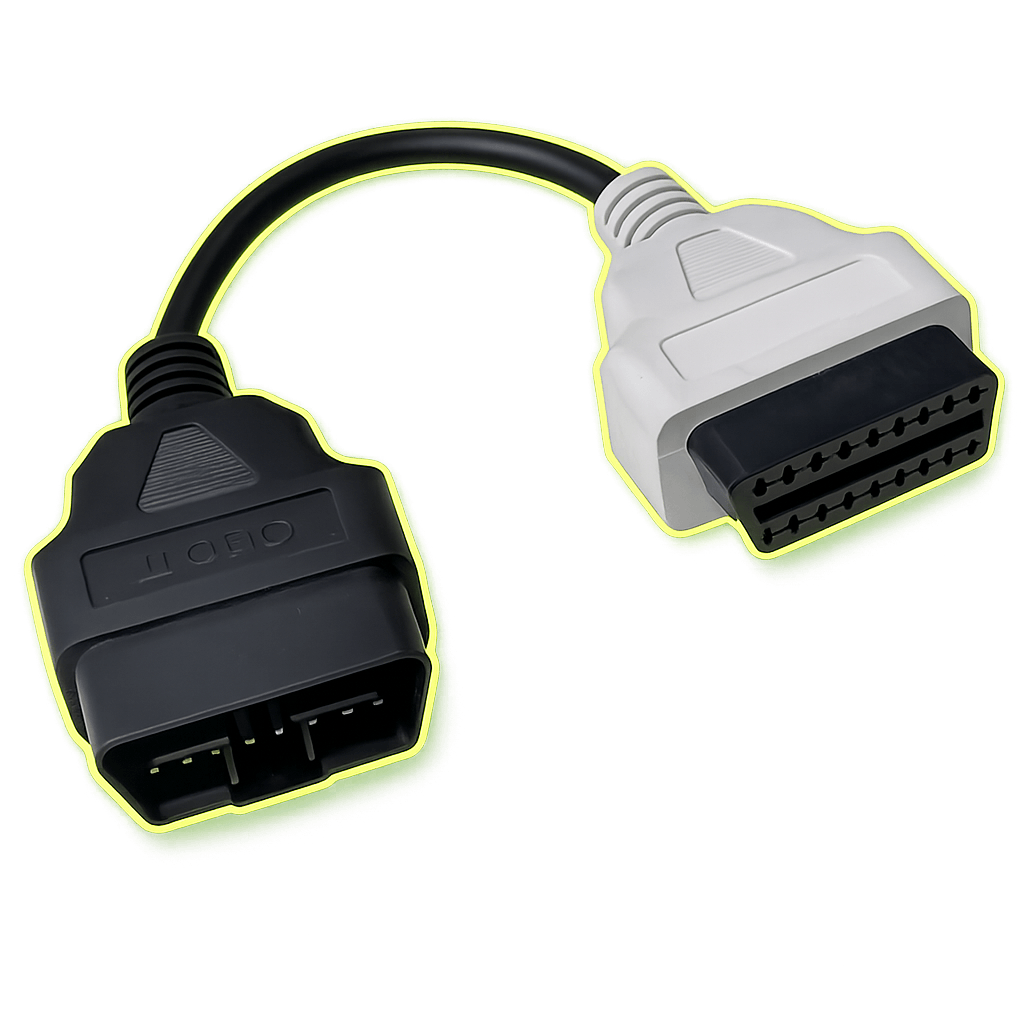
FCA / Stellantis vehicles from 2018 onward include a Security Gateway (SGW) — a firewall that blocks any write to the car. Reading fault codes, configuration parameters and live data works without it. To clear codes, run actuator tests and service routines, or edit configurations on these cars, you also connect an SGW bypass cable in line between the OBD-II port and your adapter.